
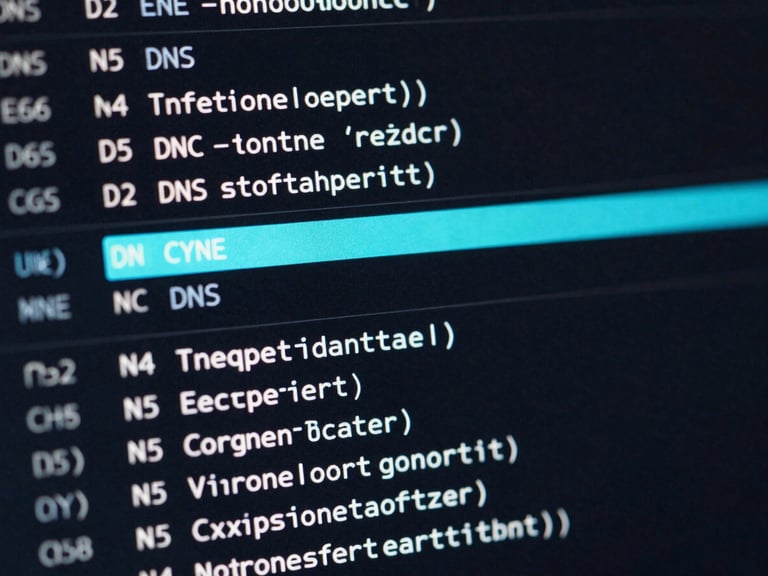
Point the CNAME.
Route traffic to the app without breaking the root domain. Provider-specific records ready to deploy.
Provider recipes.
Select the host. We generate the exact target values and proxy statuses required for propagation.
Vercel
Netlify
AWS Route 53
Configure the apex domain redirect and set the CNAME target to cname.vercel-dns.com.
Assign the custom domain in site settings and point the alias to your specific load balancer.
Create an alias record targeting the CloudFront distribution for native edge routing.
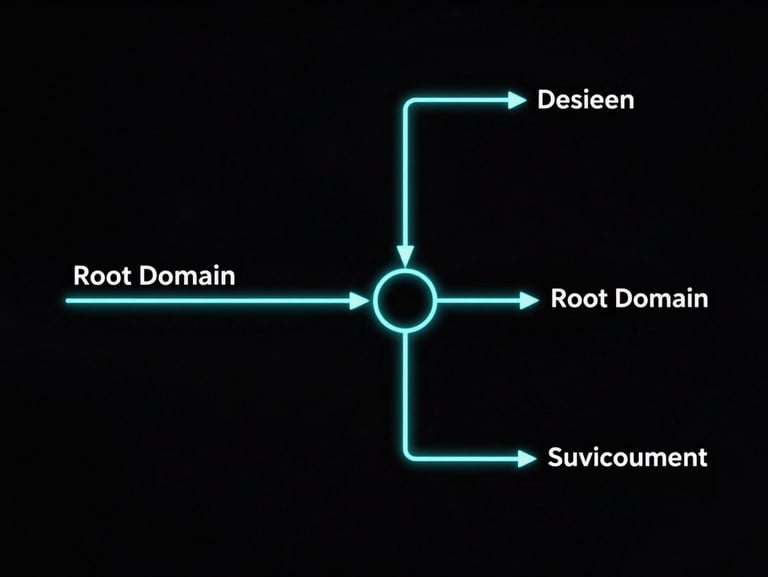
Isolate the environment.
Keep the app logic separate from the marketing site. Automated SSL handoff ensures the connection is secure before the first byte leaves the server, protecting the root domain's SEO authority.
Proxy status
Pre-flight checks.
Cloudflare users must disable the proxy during initial SSL provisioning to allow HTTP validation.
Verify these states before forcing the TTL update.
Propagation delays
Query the specific nameservers directly rather than relying on global propagation checkers.